Most ecommerce accounts are working from conversion data that undercounts, because the browser pixel they rely on loses sales to ad blockers, cookie limits and privacy settings. Enhanced Conversions are Google's answer to part of that gap, and they are one of the higher-return, lower-effort tracking upgrades available. This guide explains what they are, how they handle privacy, and how to set them up.
The short version
- Enhanced Conversions recover sales that pixel-only tracking misses, by sending hashed first-party data with the conversion.
- The customer data is hashed in the browser before it is sent, so Google never receives a raw email or phone number.
- They do not invent conversions; they confirm ones you already earned but the pixel could not record.
- The real payoff is cleaner data for Smart Bidding, not just a nicer reported number.
- They pair with, rather than replace, server-side tracking, and both should run under a proper consent setup.
What are Enhanced Conversions?
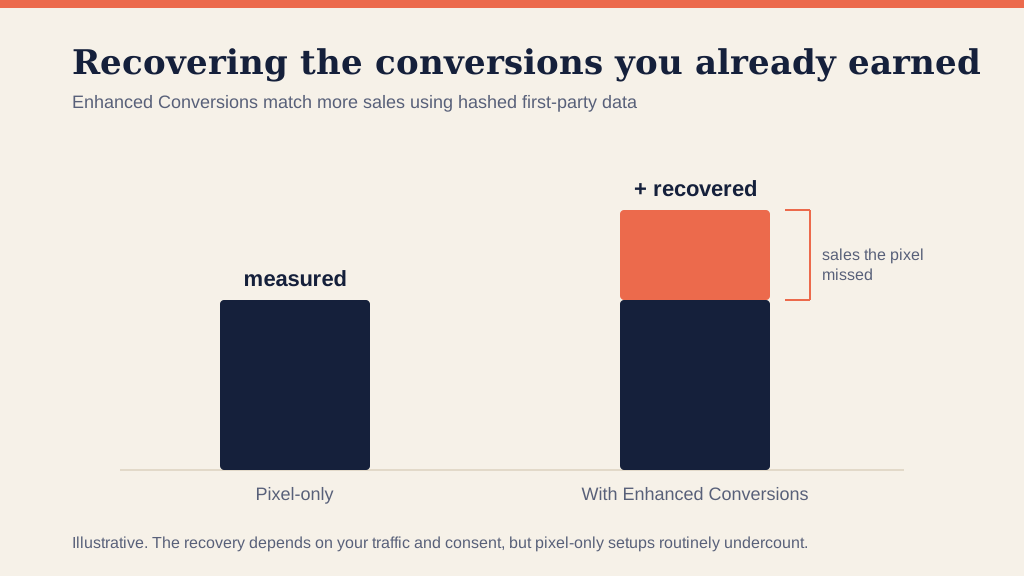
Enhanced Conversions are a Google Ads feature that improves how accurately your conversions are measured. When someone buys, the feature sends hashed first-party data you already collected, such as the email address entered at checkout, alongside the standard conversion tag. Google matches that hashed data to a signed-in Google account and confirms the sale, even when the cookie-based pixel alone could not.
The result is that conversions the pixel would have dropped get counted. You are not adding fake sales; you are recovering real ones that fell through the cracks of browser-based tracking.
Why pixel-only tracking undercounts
The old model of dropping a cookie and firing a pixel is leakier every year. Ad blockers stop the tag, browsers like Safari and Firefox restrict third-party cookies, iOS limits tracking, and users clear cookies or decline them. Every one of those is a real sale your reporting misses.
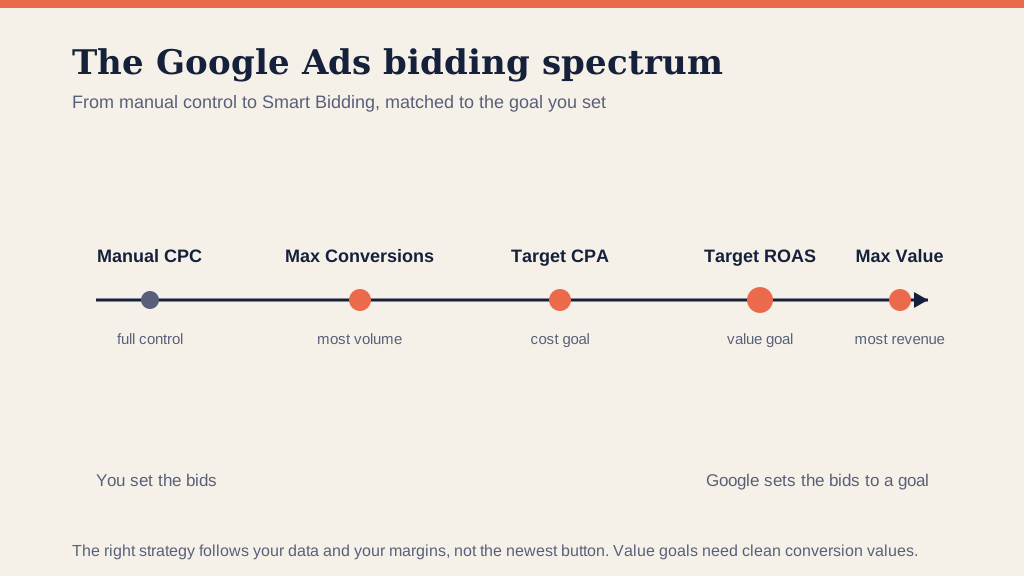
That undercount is not just a vanity problem. Smart Bidding learns from your conversion data, so when the data is missing a chunk of sales, the algorithm optimizes on a distorted picture and makes worse decisions. Recovering the missing conversions feeds it a truer signal, which is where the real return comes from.
How do Enhanced Conversions handle privacy?
This is the part people worry about, reasonably. The customer data is hashed with SHA-256 in the browser before anything is sent, so Google receives an irreversible string, not a readable email or phone number. It is designed to run under a proper consent setup with Consent Mode, so the data only flows when the visitor has agreed.
Configured that way, Enhanced Conversions are a privacy-conscious way to measure. But the responsibility is still yours: a compliant consent banner and an honest privacy policy come first, and the feature works within that, not instead of it.
Enhanced Conversions vs server-side tracking
These two get confused, so here is the clean distinction. Enhanced Conversions add hashed first-party data to improve matching for Google Ads conversions. Server-side tracking moves the measurement itself off the browser and onto a server, recovering data lost to blockers and cookie limits across the board.
They are not either-or. Enhanced Conversions is the quicker switch to flip; server-side is the deeper rebuild. The strongest setups run both, which is how we approach it in our conversion tracking work.
How to set up Enhanced Conversions
The setup is straightforward once tracking is in place:
- Turn it on in Google Ads. In the conversion action's settings, enable Enhanced Conversions and accept the terms.
- Choose how you send the data. Most accounts use Google Tag Manager; you can also use the Google tag directly or the API.
- Map the customer fields. Point the feature at the hashed email, and phone or address where available, usually read from the dataLayer at checkout.
- Verify before you trust it. Check the conversion diagnostics in Google Ads to confirm the data is being received and matched, the same discipline as any tracking change.
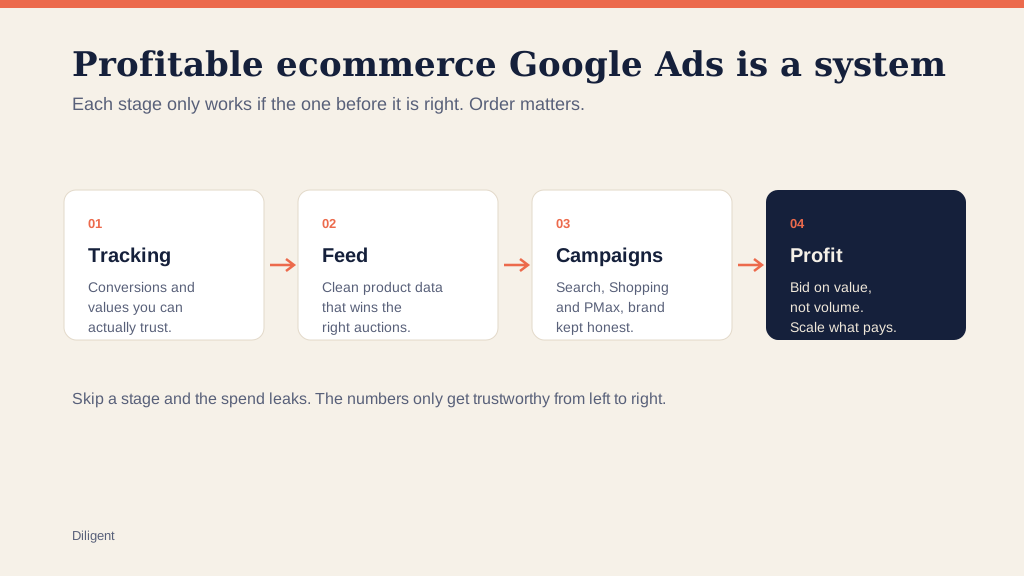
If the underlying conversion tracking is not solid first, Enhanced Conversions has nothing good to build on, so get the foundation right before you layer this on.
Frequently asked questions
What are Enhanced Conversions in Google Ads? Enhanced Conversions are a Google Ads feature that recovers conversions pixel-only tracking misses by sending hashed first-party data, such as an email captured at checkout, alongside the conversion. Google matches it to a signed-in user to confirm sales the cookie-based pixel could not, which feeds better data back to bidding.
Are Enhanced Conversions privacy-compliant? They can be. The customer data is hashed with SHA-256 in the browser before it is sent, so Google never receives a raw email or phone number, and it should run under a proper consent setup with Consent Mode. Configured that way it is a privacy-conscious way to measure, but consent and your privacy policy still come first.
What is the difference between Enhanced Conversions and server-side tracking? They solve overlapping problems and work best together. Enhanced Conversions add hashed first-party data to improve conversion matching in Google Ads; server-side tracking moves the whole measurement off the browser to recover data lost to blockers and cookie limits. Enhanced Conversions is quicker to switch on; server-side is the deeper rebuild.
Do Enhanced Conversions increase my conversions? They recover conversions you already earned but the pixel failed to record; they do not invent new ones. Pixel-only setups routinely undercount, so turning Enhanced Conversions on usually lifts reported conversions and, more importantly, gives Smart Bidding cleaner data to optimize on.
How do I set up Enhanced Conversions? Turn it on in Google Ads under the conversion action's settings, then supply the customer data through Google Tag Manager, the Google tag, or the API. Most setups use GTM, mapping the hashed fields from the dataLayer. Verify the data is being received in the conversion diagnostics before you rely on it.
Enhanced Conversions are a small change with an outsized effect on data quality, and better data is what every bidding decision rests on. If you would rather have the whole measurement stack built and verified for you, that is what our conversion tracking service is for.