
There. Was. Space. For. Both. Of. Them.

Okay, when we got that out of our system, let's get back on the topic.
The short version
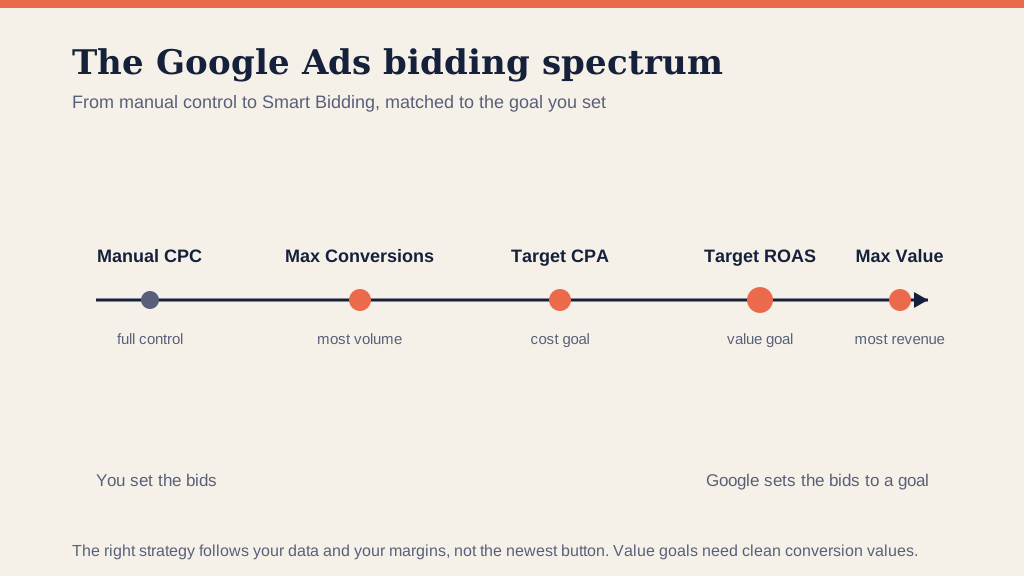
- The Iceberg Effect is when the keywords you bid on stop matching the search terms they trigger: the keyword is the visible tip, the mismatched search terms are the mass below.
- In Search, you melt it with SKAGs and ad-group-level negatives, driving the search-term-to-keyword ratio toward 1:1.
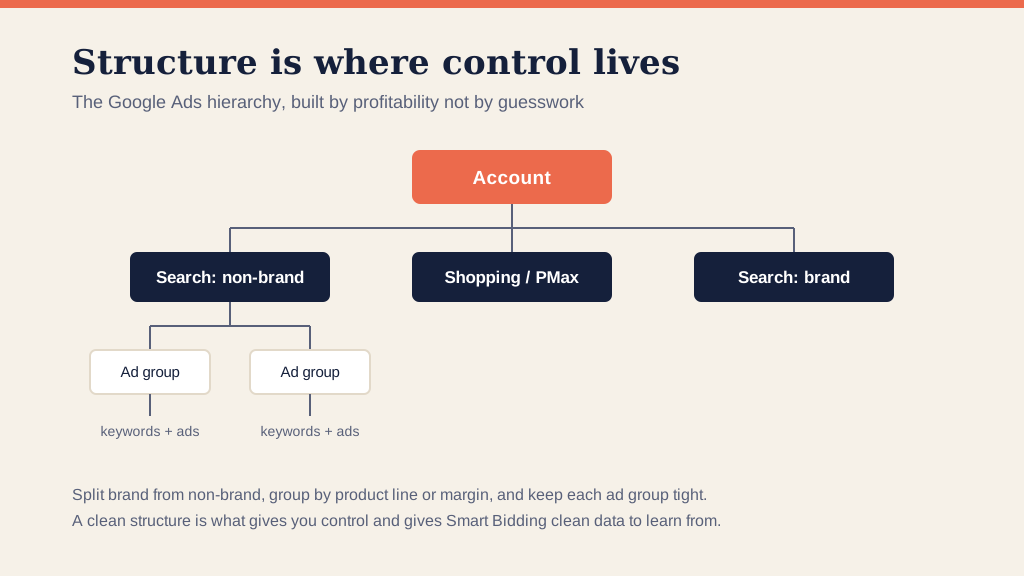
- In Display, it comes from over-layered targeting: simplify, split ad groups, and exclude dead automatic placements under "Where ads showed".
- Google's close-variant match types mean a perfect 1:1 is no longer possible, but you can get close enough to control what is below the surface.
- The tighter the match, the better your CTR, Quality Score, CPC and CPA: more conversions for the same spend.
Most of the people will associate the term Iceberg with Titanic, or a salad if they're hungry.
Unless they are a PPC account manager.
Then the first association to the Iceberg Effect is your return on investment (ROI) sinking down the icy depths.
Well, unlike Rose, we are going to give you a hand, help you to find your way out of the deep blue ocean and prevent you from sinking.
What Is The Iceberg Effect In Search Campaigns?
Here is one thing we need to highlight because it's imperative when we talk about The Iceberg Effect in Search campaigns.
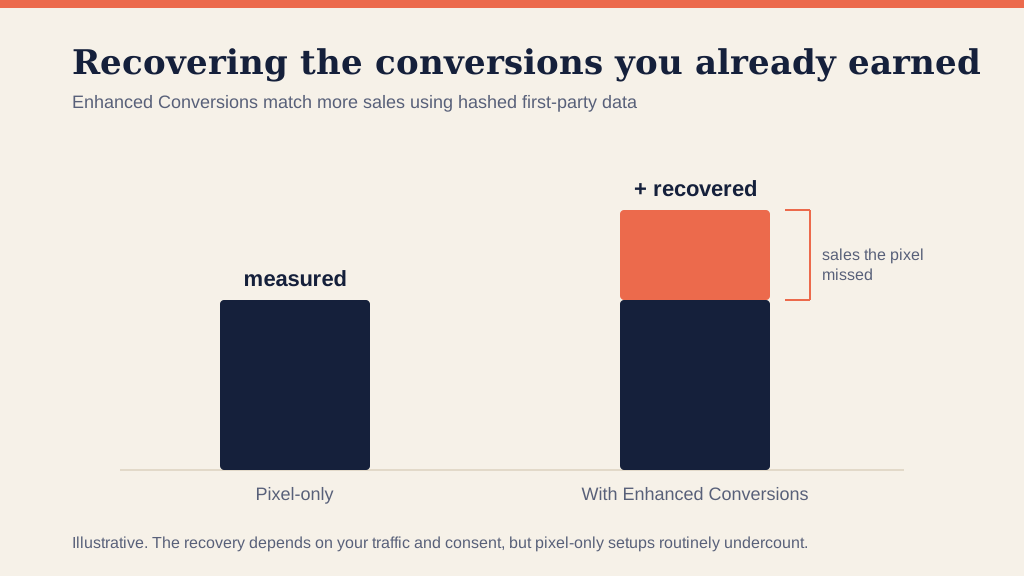
In Google Ads you bid on keywords, but you pay for the search terms those keywords trigger.
We mentioned that when we previously talked about SKAGs, so I recommend that you read that blog too.
So what happens then is if your keywords don't match your search terms, you won't be able to control them.
Your keyword is just the tip of the iceberg, but below the surface, there are plenty of search terms that aren't specific to your keyword. Precisely that is what the Iceberg Effect represents.
It happens when what is visible (above the surface) in your PPC account doesn't match with what you cannot control (beneath the surface).
Let's paint a better picture with an example from one of the accounts our Diligent managers take care of every day. This is what our Search term report looked like in the early days of our account before we figured out how to optimize it in the best way possible. Even with the use of SKAGs, The Iceberg Effect here is pretty big.
Titanic-like big.

By the time you finish reading this blog, you'll learn how to melt icebergs like these with our #Diligenttips.
Take a good look at this picture.
75 % of the search terms are not relevant to our keyword. We don't want someone interested in 'network security engineering best practices' or 'network security project titles' to click on our ad and waste our money.
In this specific case, we have over 200 search terms for one keyword. More precisely, the ratio is 230:1, and we need to drive the ratio closest to 1:1 as we possibly can. The closer your ratio is the closer the relevance is, and that helps you with having a higher CTR.

Not good, huh?
As an experienced marketer, you know a higher CTR starts a chain of events: first your Quality Score improves, then your CPC drops, and the CPA comes down with it.
All that equals more conversions, for less money. Cha-ching!
That is why, like always in the PPC world, granularity is essential.
How To Melt The Icebergs In Search Campaigns?
The smaller your Icebergs are, the more control you have over the PPC campaigns.
When it comes to Search campaigns, SKAGs are an excellent weapon for melting the Icebergs.
By extracting Search terms and creating individual ad groups for these keywords, you bring your Search terms to Keyword ratio closer to 1:1.
TIP: Make sure you are using Ad Group Level Negative Keywords to exclude the internal competition.
But, here we need to mention a few changes to match types that Google Ads announced earlier this year. It made building SKAGs a little more complicated.
Google's exact match keyword targeting used to mean that the keyword is going to match exactly whatever query the searcher used.
That has changed. Close variants of an exact match keyword now come into the mix, including terms that share the same meaning, plus implied words and paraphrases. The exact words are no longer the only thing that triggers your ad on an exact match keyword.
Google Ads made impossible for us to make the ratio 1:1 now that the keyword is liable to match a wide range of different queries, but still, we can make it pretty damn close.
That helps you control what is beneath the surface, and it improves the metrics that matter: your CTR, Quality Score, CPC, and most importantly your CPA.
After some time, your Search terms will match your Keywords, and your Search term report should look like this (We're not bragging. It took us a lot of patience and effort to get here, and you'll get there too):

When we get this kind of picture in our account, then the bigger picture is the chain of events we talked about; Your CTR & Quality Scores increase and your CPC & CPA is lower which means more conversions for the same amount of money. Cha-ching!
What Is The Iceberg Effect In Display Campaigns?
When it comes to Display campaigns, the Iceberg Effect happens if you've layered too many targeting options within your ad group or your ad set. The result is that you are then unable to see the individual performance of how those layers perform.
What does that mean?

It's like building a tower brick by brick
It means that when you layer a lot of different targeting options, like keywords, audiences, placements, or topics, over time, the data gets aggregated and you can't see the breakdown of each individual dimension. It means your automatic placements outnumber your display targeting.
Then, you should turn to Miss Granularity & Miss Simplicity.
As you build out your campaigns and your ad groups, focus on them. Create separate ad groups that have the simplest level of targeting. That will allow you to see how these things perform individually, and you will have a better image of what works and what doesn't work.
Where Ads Showed?
Below the surface are your automatic placements. Even if you add multiple layers, what's below the surface will still most likely be bigger than what's above the surface (predetermined targets). In Google Ads, what used to be called Dimensions tab is now Where ads showed. When you look at it, you can see automatic placements from your Display campaign.
You need to dive down deep and see what automatic placements are not working for you. The more you clean up the bottom of the Iceberg, the stronger and more predictable your performance will be.

In this example, these placements were on for 90 days and got 0 conversions. So, naturally, we are going to exclude them because they are bleeding our money.
The Iceberg Effect in Facebook Campaigns
You've seen how powerful The Iceberg Effect can be in Search and Display Campaigns.
Now let's take a look at how it affects PPC campaigns on Facebook.
Again, we have what's above the surface and what's below the surface.
You can either increase your audience size or reduce it by adding more targeting requirements.
But in both cases, that will have different performances above and below the surface. Maybe above the surface, it seems that these multiple requirements have simple performance, but under the hood, they perform differently.
That's why your next step should be to separate your campaign targeting but be sure not to make your audience segments too small.
Granulate your social audiences by using less targeting layers!
With fewer targeting options, you'll get a chance to see the KPIs in a more precise and granular way. This makes it easier to track how each option performs, and you have more control over your campaign.
TIP: You won't be able to do that with Interest targeting or other targeting criteria you've set. But you can break down the demographics of your targeting and then you will be able to see how they perform individually.
The Universal Iceberg Effect
We have walked through the Iceberg Effect on different PPC platforms, but whether you run Search, Display, or Social campaigns, you will hit some universal icebergs that you need to deal with.
That's why I've put together a little reminder of where to be especially careful so you don't sink like the Titanic.
- Every state performs differently. Every region performs differently. Every city in every region performs differently. By looking at every state separately, you are looking beneath the surface.
- User intent is not the same on a phone, a tablet, and a computer. The devices your visitors use all perform differently on conversion rate and CPC.
- Each day of the week and each hour perform differently, depending on your niche.
- Age, Gender and Household income are all rolled into Demographics. Once you start looking at which ones of those demographics aren't performing well, you can add them as exclusions.
Keep It Simple
I am going to finish this blog with a little more spiritual advice: KEEP THINGS SIMPLE.
You might find that some of the audience that you are targeting on Facebook or some levels of targeting you use on the Display network are too small to get any impressions or traffic.
If that is the case, go ahead and increase the levels and the layers of the targeting you are using.
But where you can avoid layering too heavily, do that too.
It is going to give you more consistency in your testing when it comes to your ad copy or your landing pages.
Do not be afraid to swim below the surface. Once you clean up the bottom, the view is much better. For the next step, our guide to the deep baiting approach shows how to turn broad match into an advantage, and if you would rather have it handled for you, that is what our Google Ads management is for.
Frequently asked questions
What is the Iceberg Effect in Google Ads? It is when the keywords you bid on stop matching the search terms they actually trigger. Your keyword is the visible tip of the iceberg, and below the surface sit a mass of search terms that are not specific to it, draining budget on clicks you never wanted.
How do you fix the Iceberg Effect in Search campaigns? Use single keyword ad groups and ad-group-level negative keywords to pull your search-term-to-keyword ratio toward 1:1. Extract the search terms into their own ad groups so the keyword and the query stay tied together, which lifts relevance and the metrics that follow.
What causes the Iceberg Effect in Display campaigns? Layering too many targeting options in one ad group, so the data aggregates and you cannot see how each layer performs. Fix it by simplifying and separating ad groups, then check Where ads showed and exclude the automatic placements that spend without converting.
Did Google's match-type changes affect SKAGs? Yes. Exact match now includes close variants, same-meaning terms, implied words and paraphrases, so an exact keyword can trigger a wider range of queries. A perfect 1:1 ratio is no longer possible, but you can still get close enough to keep control.
Why does the search-term-to-keyword ratio matter? The closer it is to 1:1, the more your ad matches the search, which raises your click-through rate. That starts a chain: a better Quality Score, a lower cost per click, and a lower cost per acquisition, so you get more conversions for the same money.